Event screen content is the artwork, slides and video your audience sees on a hired display. For Singapore company functions, launches and exhibitions, plan those visuals alongside the screen arrangement. Give Big Top Events your programme, venue layout and intended content so the rental discussion starts with what guests need to see.
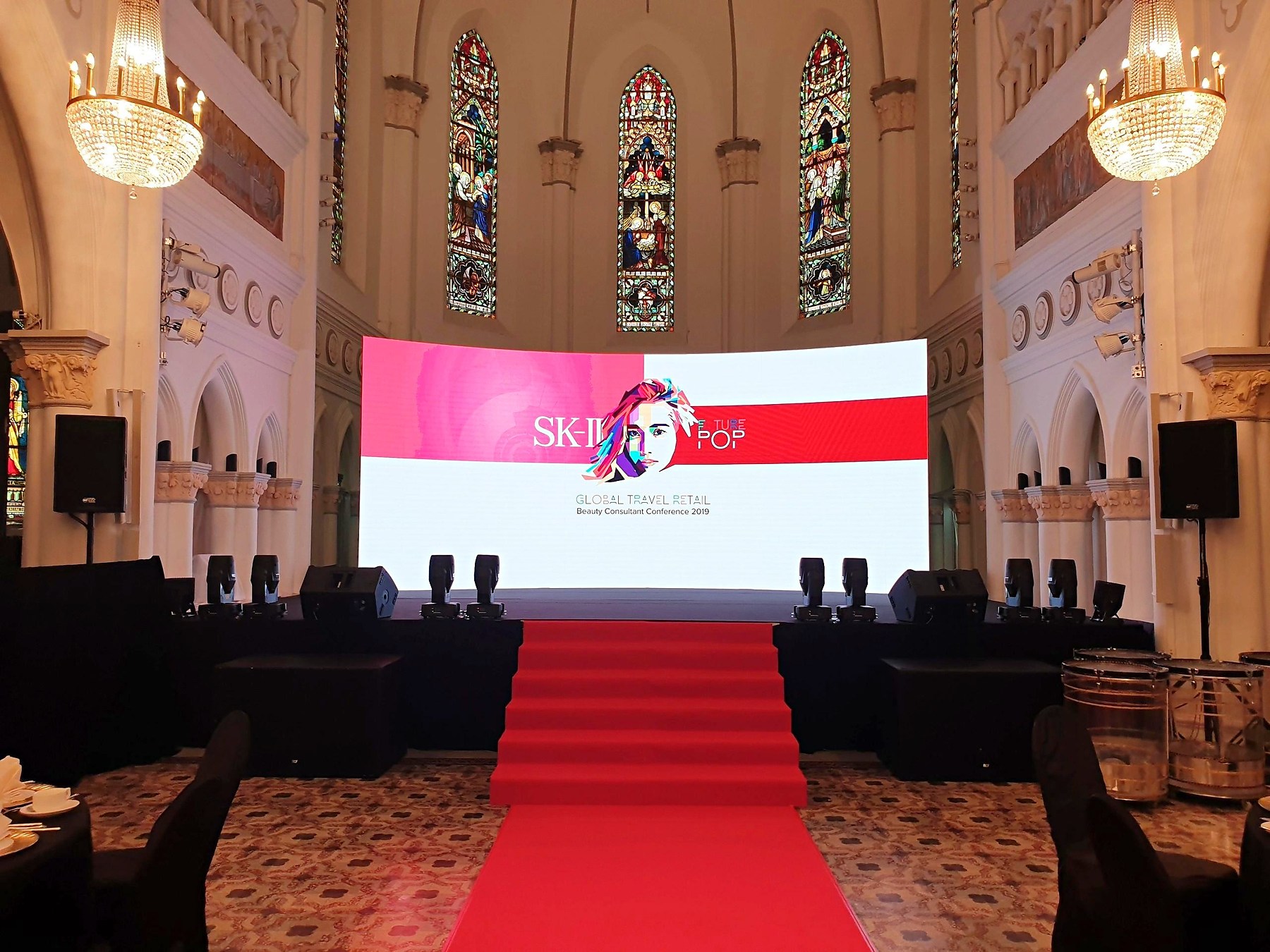
Event Screen Content: Start with the Audience’s Task
Decide what the display needs to do at each point in the programme. It might welcome arrivals, identify a speaker, support a presentation or provide a visual background for a celebration. A single long video is not automatically the best answer for all of those moments.
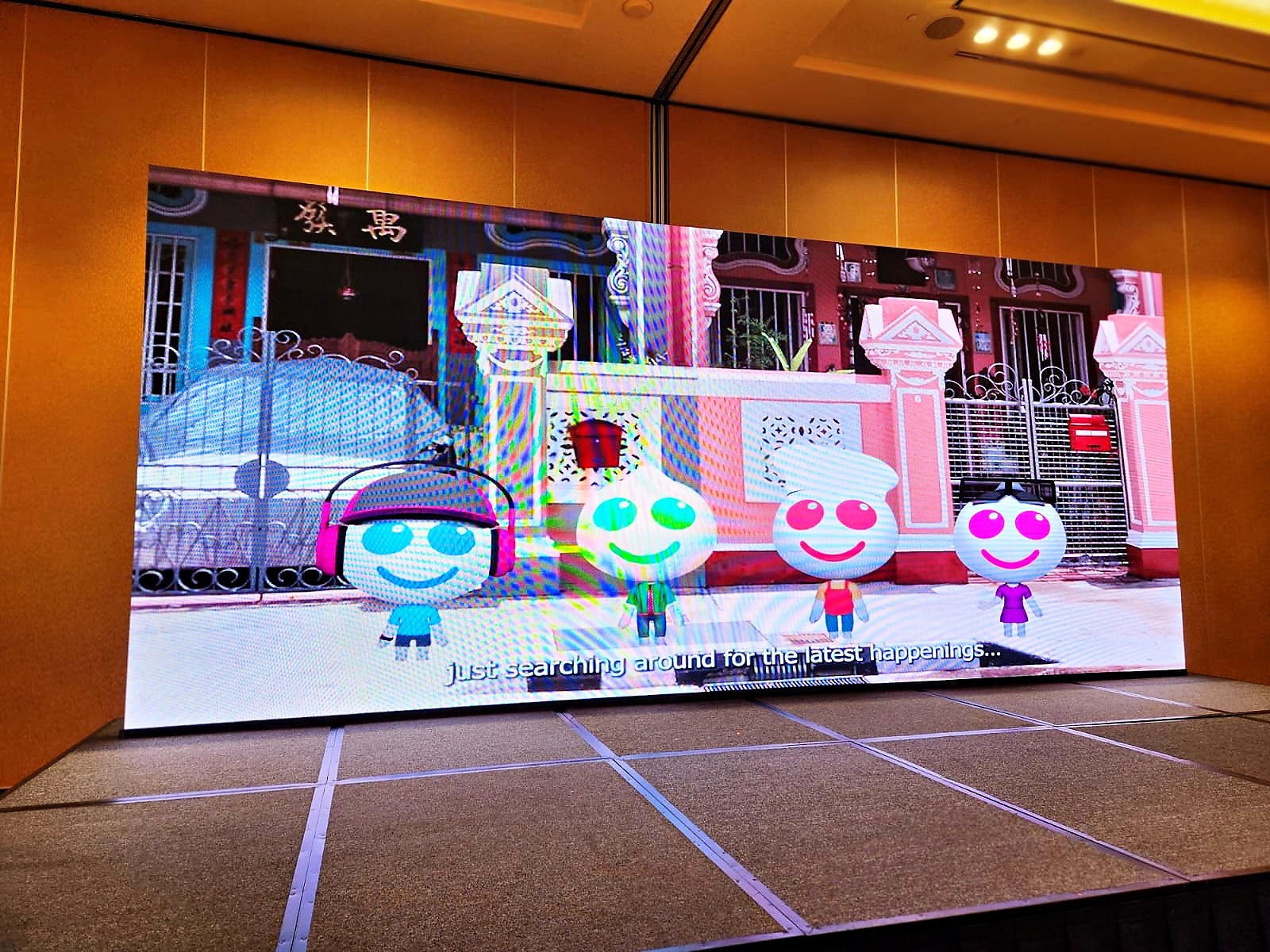
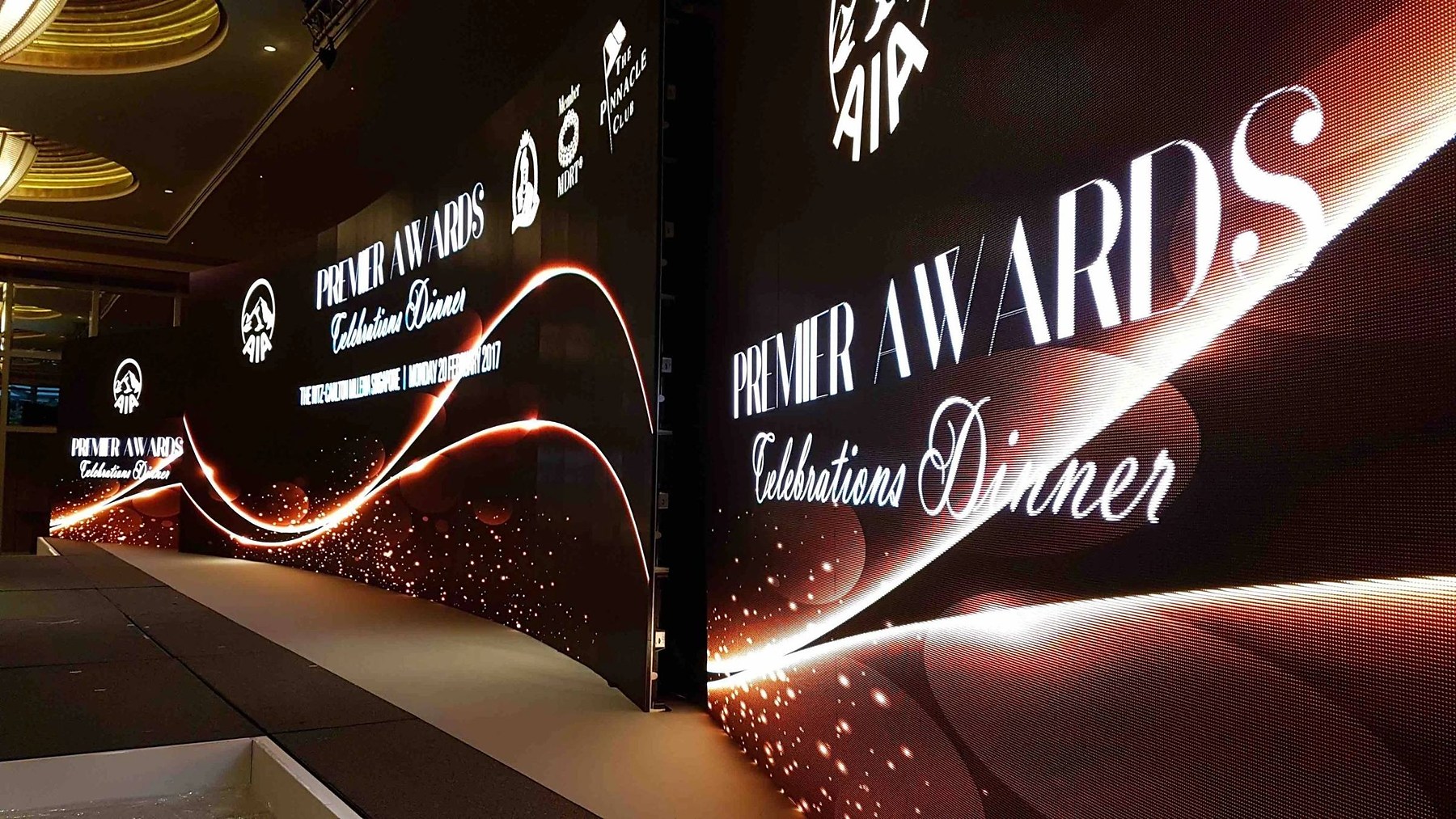
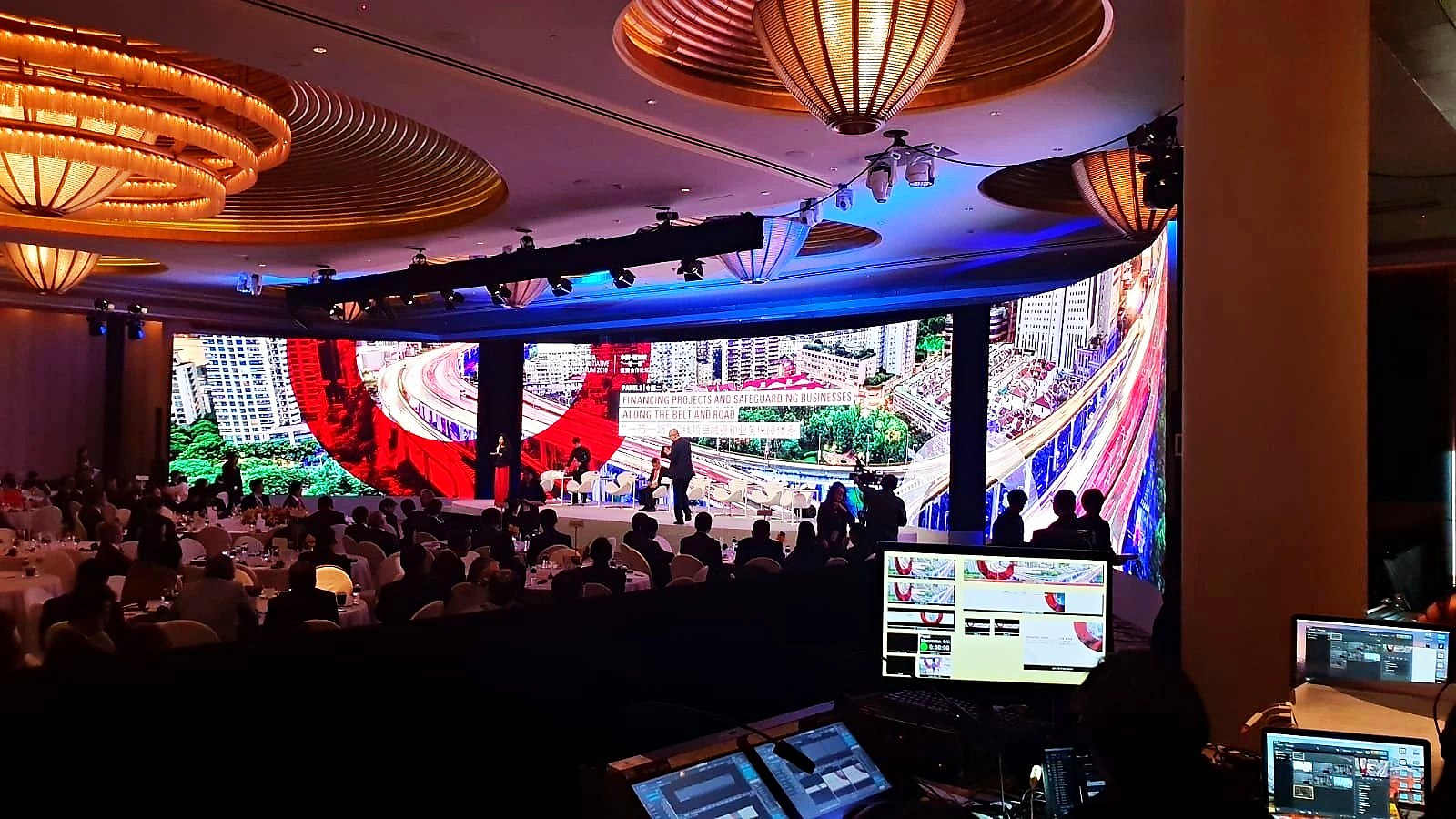
Think about the audience position as well as the appearance of the screen. A person walking past an exhibition booth has a different opportunity to read than someone seated for a presentation. Brief the display around that distinction. The photographs in this guide illustrate visual arrangements; they are not case studies or promises that a particular configuration suits every venue.
Big Top Events provides event planning and event rental services. Begin with the event rental service overview if you are still deciding how the display fits the rest of your setup. Confirm the proposed equipment and content requirements before commissioning final artwork.
What Should an Exhibition Display Show?
Give a passing visitor one clear message to understand before asking them to read supporting information. That might be the purpose of the booth, the activity available or the next action to take. Avoid trying to reproduce an entire brochure on one screen.
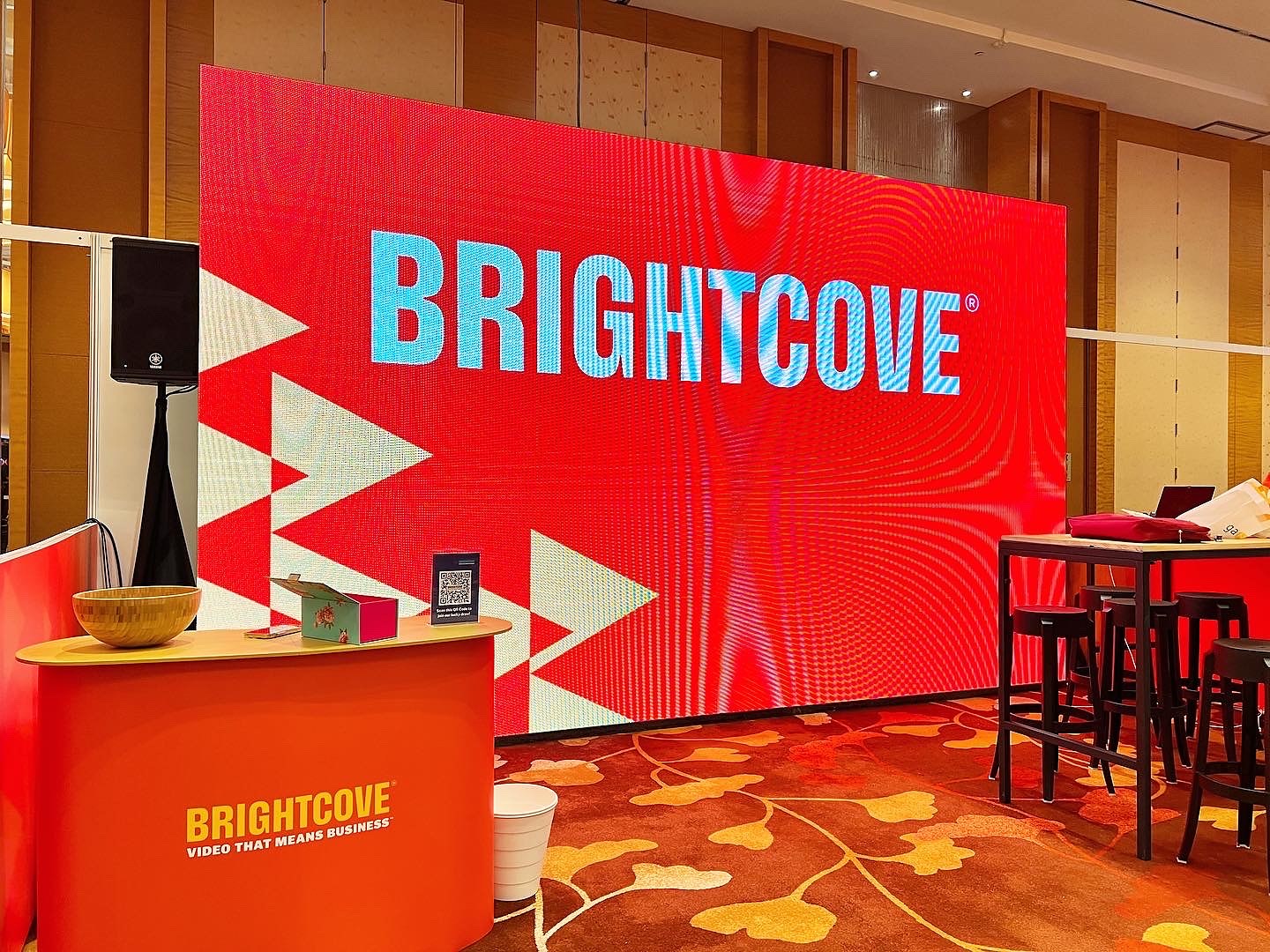
A strong background colour, short headline and recognisable graphic can establish a visual direction. If the content rotates, consider whether each slide still makes sense to someone who missed the previous slide. Do not place the essential instruction only at the end of a long sequence when guests may arrive halfway through it.
Plan event screen content around the message before choosing animation. An animated visual can support an idea, but movement should not make the instruction harder to find. Ask who will approve the wording and who will supply the final files. Those responsibilities are easier to settle before the display is installed than during the event itself.
How Should Presentation Slides Differ from a Stage Background?
Presentation slides carry information that the audience needs to follow, while a stage background may simply establish the event identity. Keep those jobs separate in your content plan. A decorative welcome graphic does not need the same density of information as a speaker’s presentation.
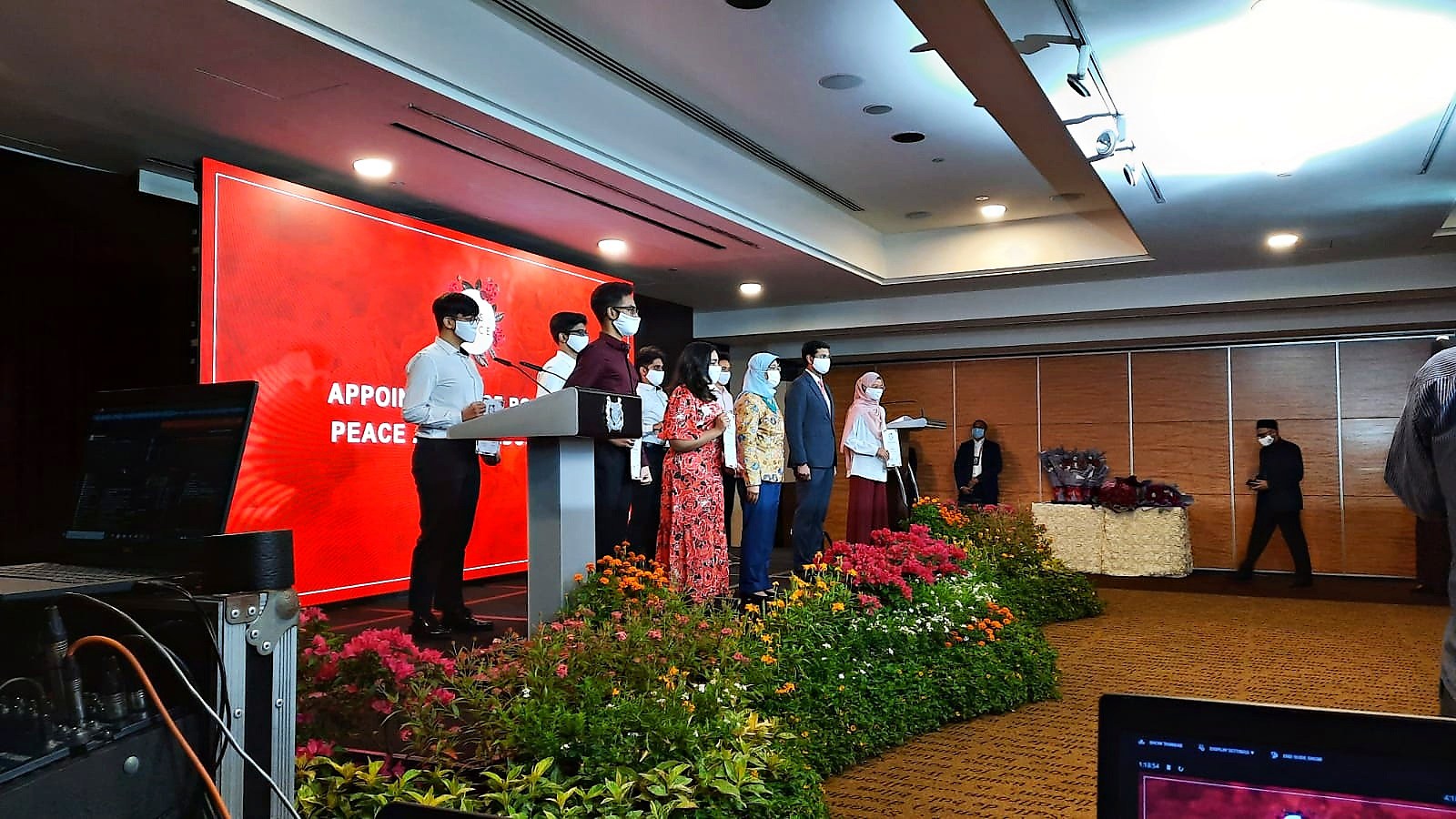
Consider what will happen in front of the screen. A lectern, a group of guests or a performer may occupy part of the audience’s view. Ask for the stage arrangement before deciding where important names or instructions should sit in the artwork. Treat the photographed layouts as prompts for that discussion, not measurements to copy.
For a dinner programme, you might prepare distinct visuals for arrival, speeches and a celebration segment. For a launch, you might need a holding graphic before a reveal and a different visual afterwards. These are content-planning options to discuss with the event team, not a claim that every rental includes creative production or an operator.
What Changes for an Outdoor Display?
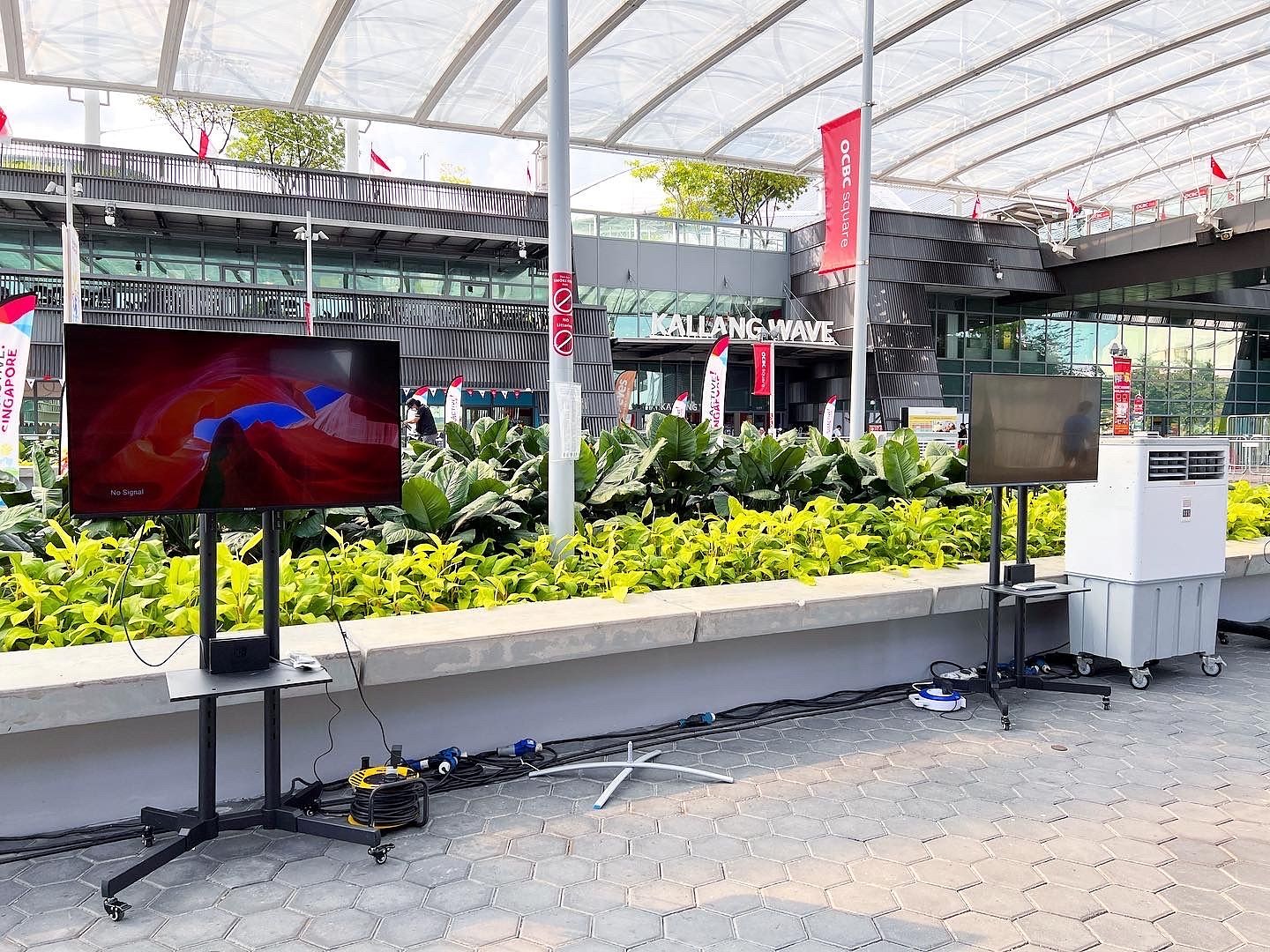
Tell the rental team where the audience will stand, when the display will be used and how the area is sheltered. Outdoor placement should be assessed for the actual venue and proposed equipment. Do not assume that an indoor arrangement can simply be moved outside unchanged.
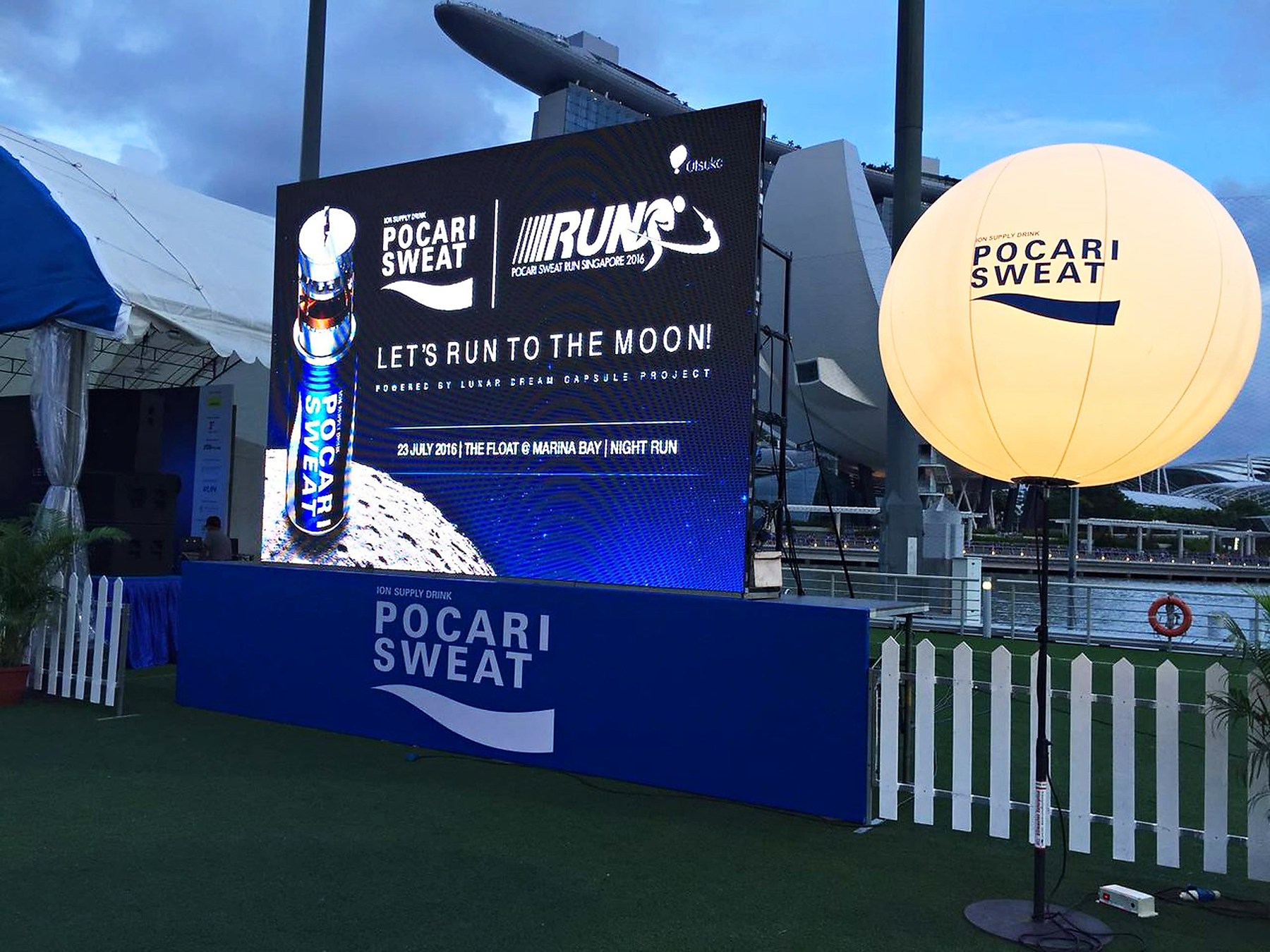
The content still needs a clear purpose. A welcome message, programme item or activity instruction may need different treatment depending on the viewing position. Share a venue photograph and a layout showing the intended display position, then ask the team to advise on an appropriate arrangement.
Avoid prescribing a technical specification from a reference photo. The photograph does not establish weather suitability, brightness, support requirements or electrical capacity. Those details belong in the equipment discussion and confirmation for your event. Keep the creative brief and the technical confirmation connected without substituting guesses for either.
How Do You Keep Text and Logos Easy to Read?
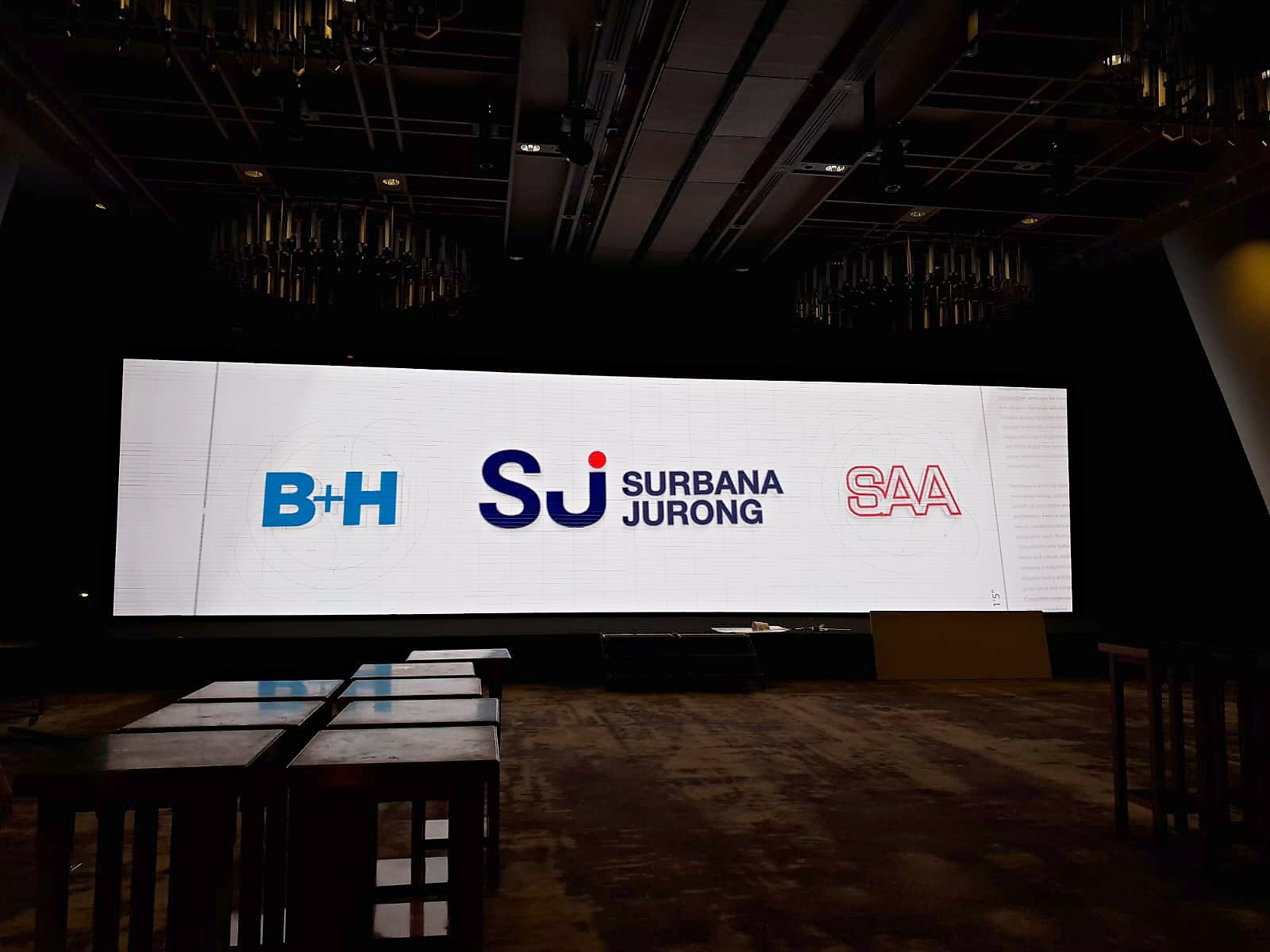
Use a clear hierarchy: the main message first, supporting information second and less important detail last. Give text enough separation from a busy background. Review the visual at the intended shape rather than assuming that a slide that looks good on a laptop will suit every display.
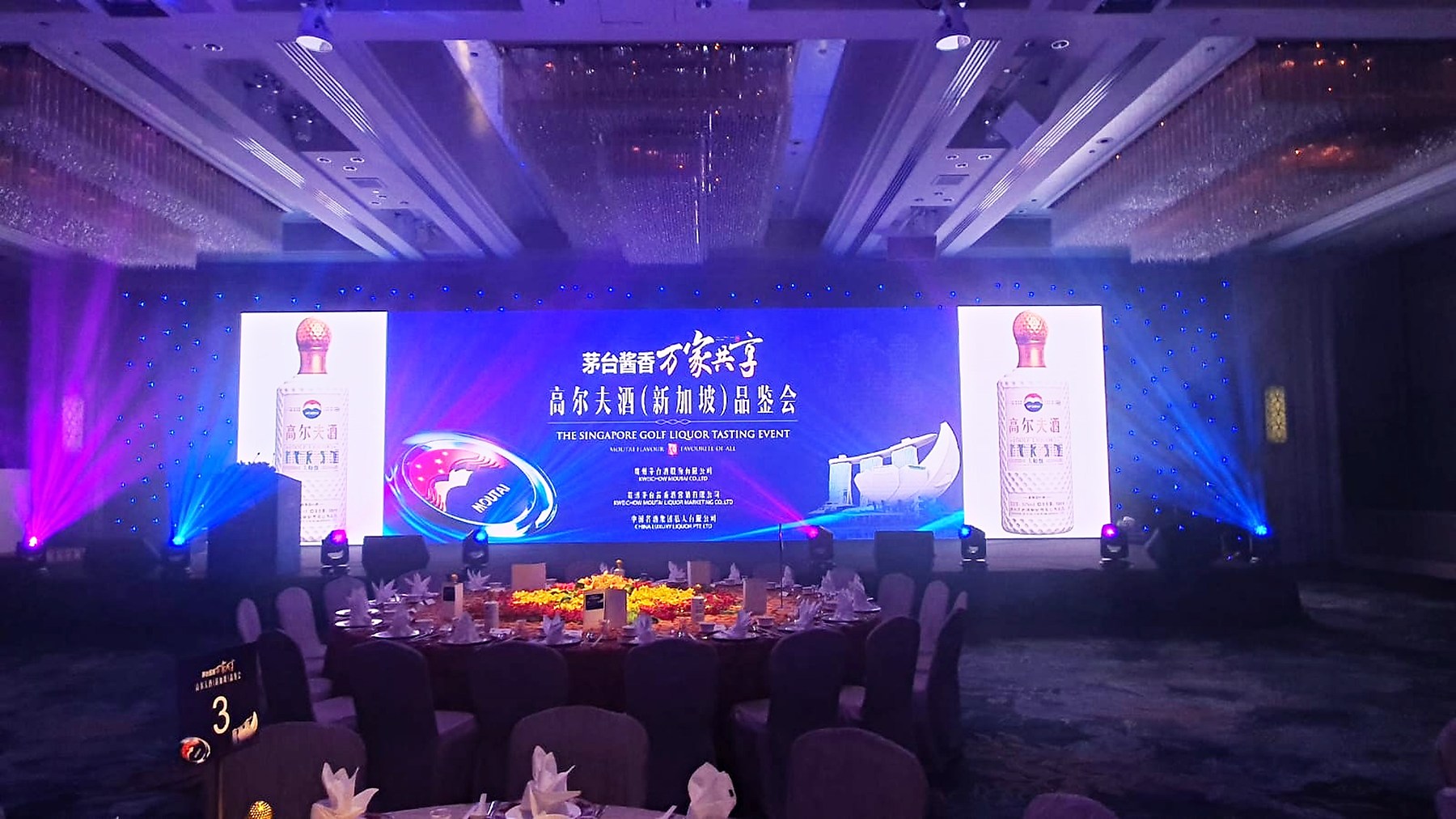
The W3C’s accessible design guidance recommends sufficient contrast and avoiding colour as the only way to convey information. These are useful general design principles when reviewing screen artwork, although they do not replace an event-specific viewing check. For example, label a programme item in words instead of expecting a coloured block alone to explain it.
Supply approved logo files rather than screenshots taken from a website. Ask the organisation responsible for the artwork to check names, spelling and the order of any acknowledgements. Leave enough time for a revised proof. A large display makes errors visible as well as making the design visible.
What Files and Programme Notes Should You Prepare?
Ask the rental team for the required file format, canvas dimensions and playback arrangement before exporting final content. Do not guess a universal screen ratio or resolution. The physical arrangement and the planned playback determine what needs to be delivered.
Prepare a simple event screen content list. For each item, record its filename, the moment it should appear and the person responsible for approval. If a video has sound, flag that clearly and discuss the audio arrangement. If you need a presenter to control slides, mention that too instead of assuming the display booking includes every supporting device.
| Programme moment | Content to discuss | Approval question |
|---|---|---|
| Guest arrival | Welcome graphic or short loop | Is the event name final? |
| Presentation | Speaker slides | Who supplies the final version? |
| Transition | Holding graphic | What appears between segments? |
| Celebration | Approved visual or video | Who confirms the cue? |
Keep an agreed final version separate from working drafts. Avoid several files with nearly identical names and no clear indication of which one to use. A short, readable content list is more useful than a folder containing every design revision.
How Can the Screen Work with the Wider Event Design?
Choose a consistent visual direction across the screen, stage and physical decorations. This does not require every surface to show the same artwork. It means the audience can recognise the event identity without competing headlines or unrelated colours dominating the space.
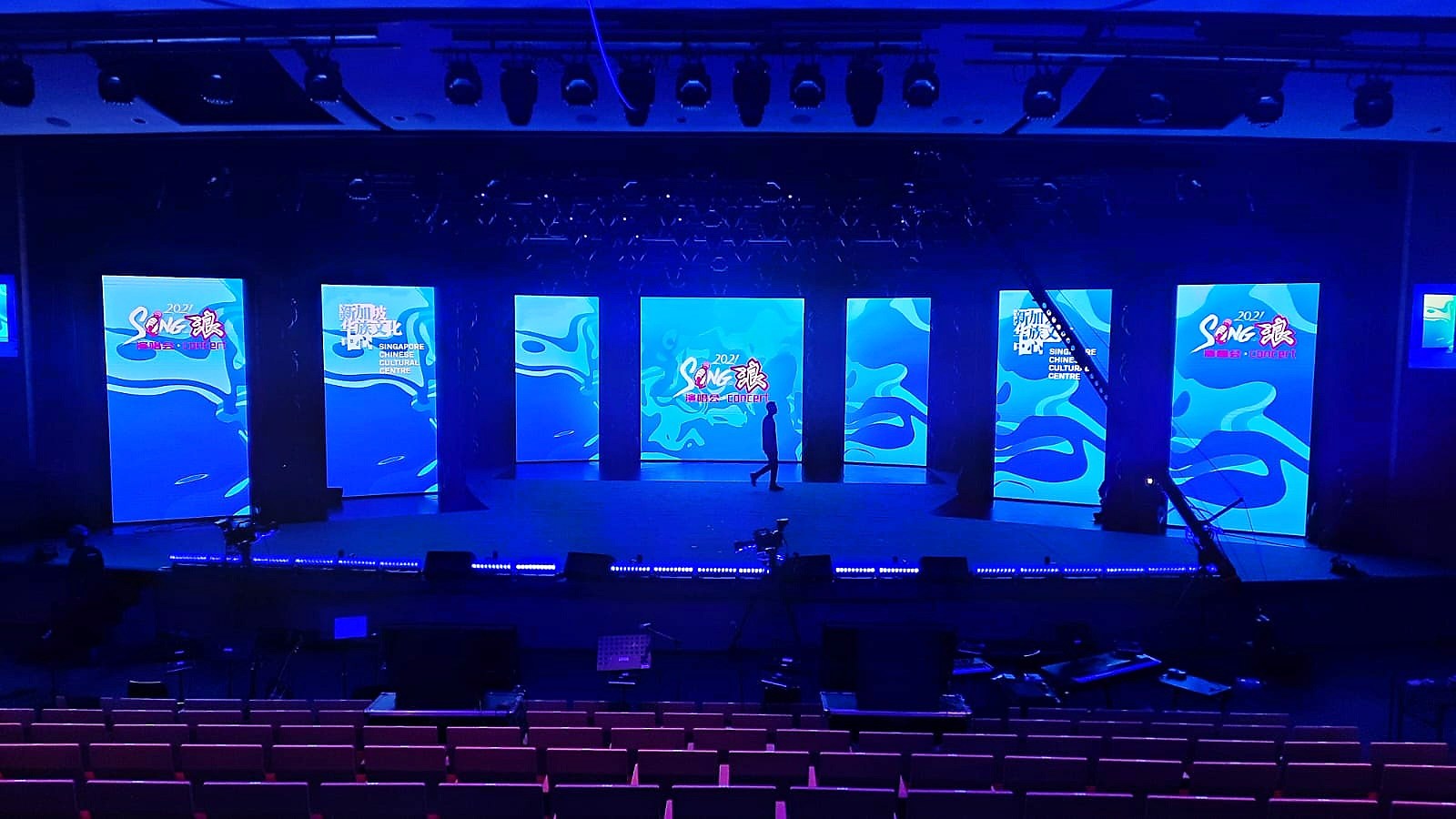
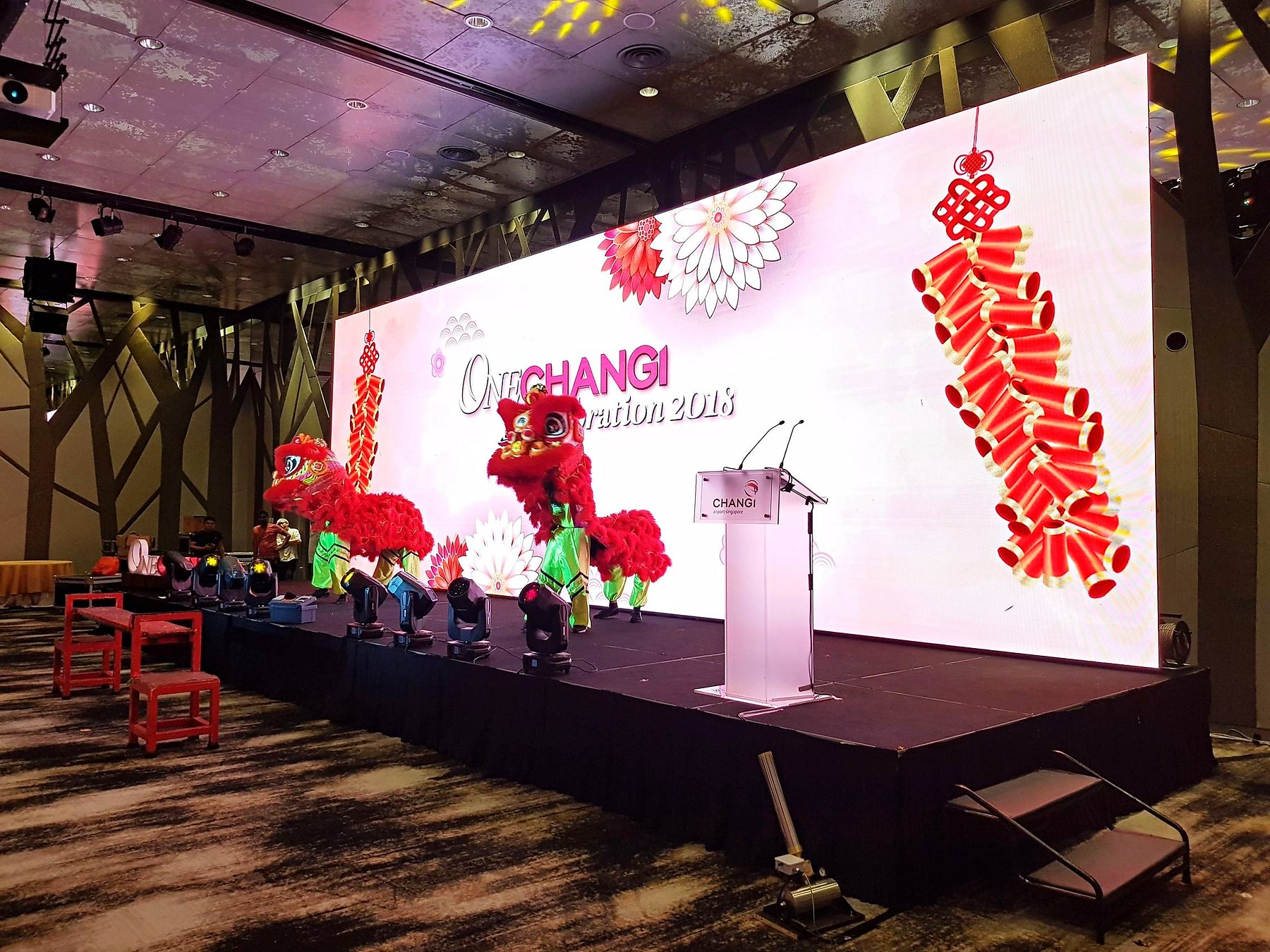
If the screen is one part of a larger brief, explore Big Top Events’ event planning services and event decoration services. Share which elements you already have and which you want to enquire about. This keeps the proposal focused on the work needed for your event.
Frequently Asked Questions
Should I finish the artwork before choosing the event screen?
Prepare the message and creative direction first, but confirm the display arrangement before exporting final files. Ask for the required dimensions and format so the artwork matches the equipment being proposed.
Can the same screen show slides and video?
Describe both requirements in your enquiry and ask the team to confirm a suitable playback arrangement. Include whether the video needs sound and how you expect to switch between programme items.
What should I put on a welcome screen?
Start with the event name and the information arrivals actually need. Add supporting details only when they help guests understand the occasion or the next step, rather than filling the screen simply because space is available.
Is content design included in screen rental?
Do not assume creative work is included in every equipment quotation. Tell Big Top Events whether you already have approved artwork or want to enquire about broader event planning and design requirements, then confirm the scope in the proposal.
What venue information should I send for a quotation?
Send the venue, date, programme timing, audience arrangement and photographs of the intended display area. Explain what you want to show so the team can discuss equipment and setup requirements for that use.
Plan Your Display with Big Top Events
For help discussing event screen content alongside your rental brief, contact Big Top Events or WhatsApp Lynn Kwah on 8780 4685. Send your venue layout, programme and visual references so the enquiry can focus on an arrangement that supports your event.


